
Making Your Online Banking and Shopping Transactions Safer — A Practical Guide

More and more of us manage finances and make purchases online — from paying bills to buying gifts. It’s convenient, but also means we need to be a little more careful. Here are some straightforward steps you can take to protect your money and your personal information when banking or shopping over the internet.
Why Extra Care Matters
Banks and financial institutions employ strong security measures to keep your data safe. Still, cyber-criminals are always looking for ways to exploit small mistakes — which is why it pays to take a few simple, additional precautions when accessing accounts or making payments online.
How You Can Keep Your Online Transactions Safe
Use strong, unique passwords (or passphrases)
Choose passwords that aren’t easy to guess, and avoid recycling the same password across multiple accounts. If you prefer, use a passphrase — a few random words put together.
Use Multi-Factor Authentication (MFA) whenever possible

MFA — such as receiving a one-time code on your phone — adds a second layer of
protection beyond your password. It significantly reduces the risk that someone else can log in to your account.
Keep your devices protected and up to date
Install reputable antivirus or security software, and allow software updates. These can fix security weaknesses before cybercriminals exploit them.
Avoid using public or unsecured Wi-Fi for banking or shopping
When you connect through unprotected networks — such as at a café, shopping centre or public library — others may intercept your data. Instead, use a secure home connection or mobile data to keep sensitive transactions safe online.
Never save banking login details in your browser, and don’t share them
Letting a browser save your credentials for convenience can make it easier for someone else to access your accounts — for example if your computer is lost or shared. Also, never give your passwords or banking details to others, even if the request seems legitimate.
Watch out for scams and suspicious activity
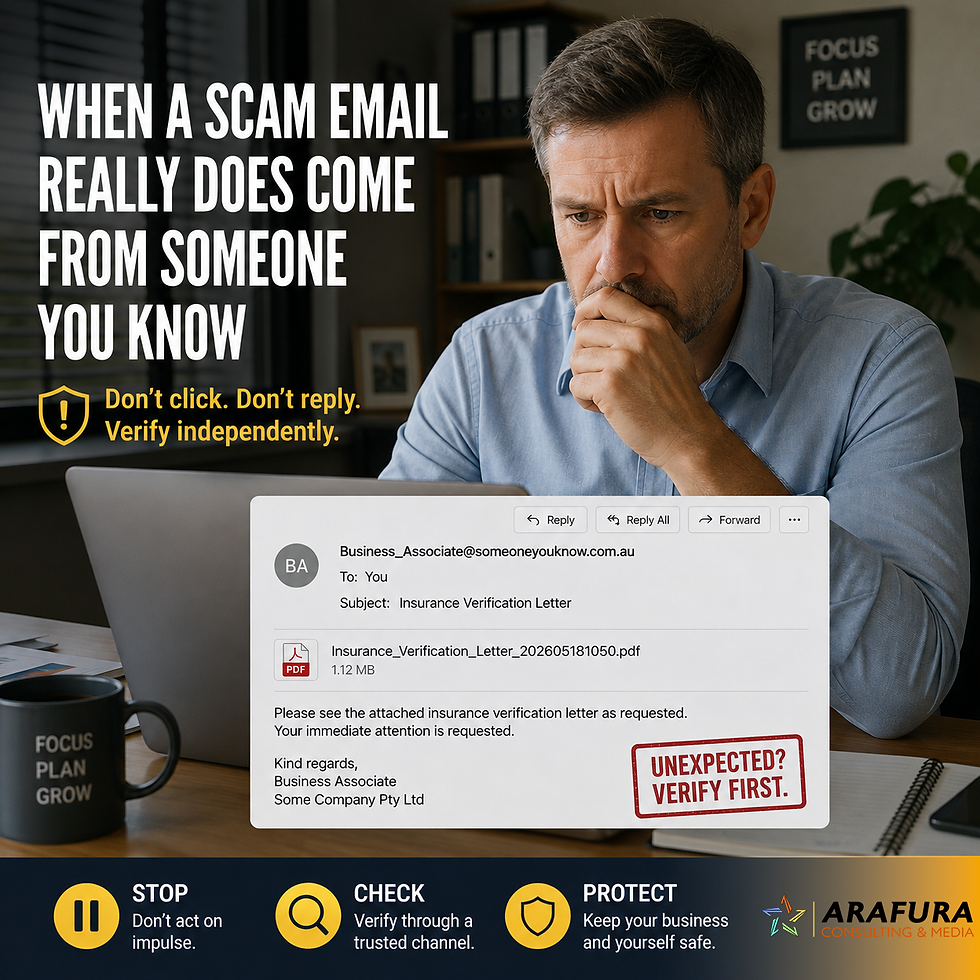
If you receive unsolicited calls, texts or emails asking for bank details, login credentials, or to click a link, treat them with caution. Banks and legitimate companies will never demand your password or account number in an urgent or threatening way.
Be alert to fake websites that impersonate your bank or a trusted retailer. Always type the web address manually, rather than following a link from an email or message.
Check your bank statements regularly. If anything looks unfamiliar or incorrect, contact your bank immediately.
Simple habits that make a big difference
Think of these online safety steps much like locking your front door or wearing a seat belt. Once they become routine, they help protect you without much effort. You don’t need to be a tech-expert — just a little aware and careful.
Older Australians are often the target of scams, so investing a few minutes now in good habits can save you a lot of worry down the track.
Final thoughts
Online banking and shopping can be safe and convenient when handled with care. Use strong, unique passwords, enable extra security with 2FA / MFA, avoid public Wi-Fi, and always treat unexpected requests for your financial information with suspicion.
If something doesn’t feel right — that email, that login request, that deal that seems too good to be true — trust your instincts and check carefully.
Stay safe. Stay secure.
Reporting Online Scams
If you see a scam, or a potential scam, always report it to either www.scamwatch.gov.au or www.cyber.gov.au. Doing so will help authorities shut down the scammer and it also helps others become more aware of what scams are doing the rounds.


Comments