
Secure Online Banking and Shopping — Safe Spending Starts Here

Why It Matters
In these modern times, online shopping and banking are part of everyday life. We shop for groceries, clothing and goods online. We pay our bills online. We conduct our banking online. But not every website is what it seems. Scammers build fake shops that look real — complete with professional logos and “limited-time” deals.
You might think you’re buying a gift, but what you’re really doing is handing over your credit card to a stranger.
How Scammers Work
Fraudsters rely on small details we overlook. If they successfully steer you to their website, you may see a padlock missing from the address bar. For websites where it is intended that purchases take place, the missing padlock is a Red Flag you should always be on the lookout for.

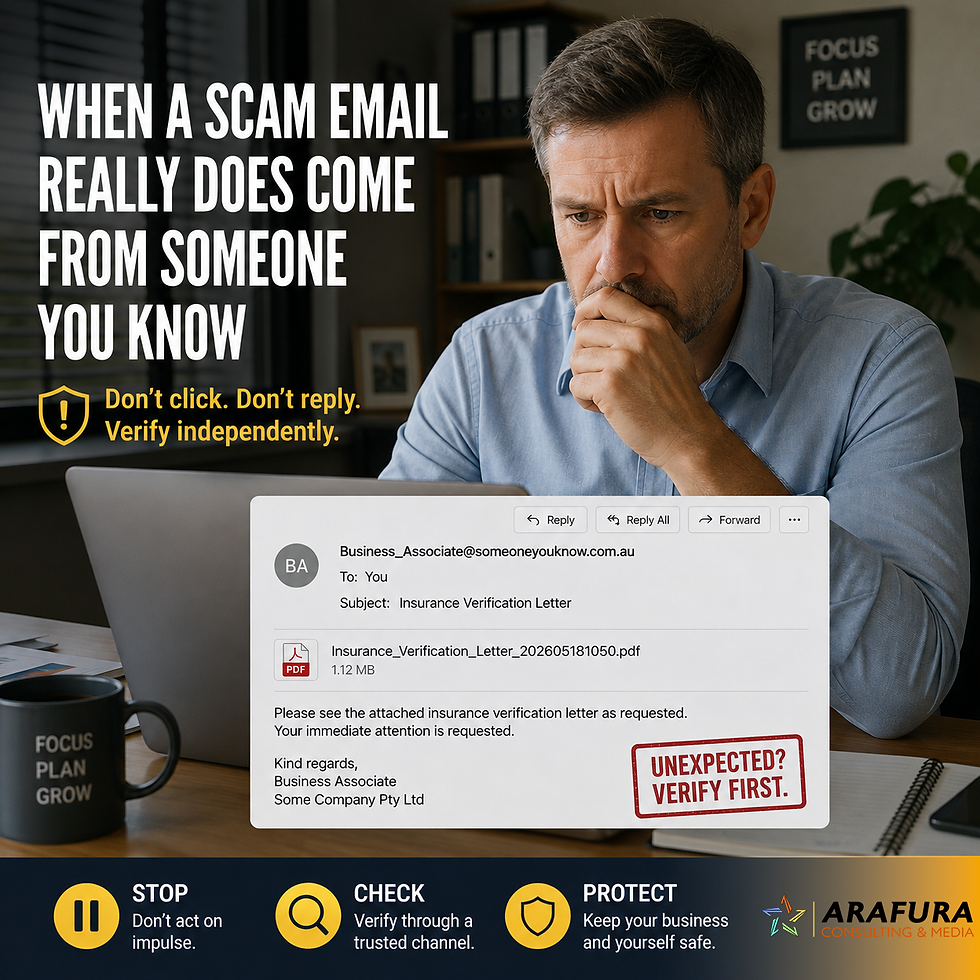
Sometimes a fake confirmation email may arrive in your inbox, or perhaps a “payment failed” notice. These will lead you to a phony site where you cannot trust anything you see or read.
Public Wi-Fi adds another layer of risk since your details can be intercepted mid-transaction. Only use public wifi for general browsing and never use it for banking or shopping.
Keeping Your Money Safe with Secure Online Banking & Shopping

There's a simple thing you can check to ensure secure online banking and shopping. Before you buy or bank, take a quick look at the web address. Does it start with
https:// and show a padlock symbol? Good. If not, don’t enter payment details.
Stick with trusted stores and well-known payment systems like PayPal or Apple Pay. Avoid banking on public Wi-Fi — it’s like shouting your PIN in a crowded room.
If You’ve Been Caught
If something goes wrong, contact your bank immediately. They can freeze your card and investigate. Keep screenshots of anything suspicious and report incidents through ReportCyber.
Quick Check: Safe Online Shopping
✅ Do:
Check for “https://” and padlock icons.
Use secure payment options.
Keep records of purchases.
Report fraud fast.
🚫 Don’t:
Bank or shop on public Wi-Fi.
Trust every link in emails.
Enter details on unfamiliar sites.


Comments