
How To Keep Your Data and Devices Safe

Every day, we use our phones, tablets, and computers to connect, shop, and stay in touch with the people we care about. These devices make life easier — but they can also expose us to risks if we’re not careful. The good news? Keeping your data and devices safe doesn’t require a degree in technology. It just takes a few simple habits that protect your personal information and give you peace of mind.
Keep Everything Up to Date
Software updates might seem like a nuisance, but they’re one of the easiest and most effective ways to protect your devices. Updates fix security gaps that scammers and hackers try to exploit. When your phone, tablet, or computer prompts you to update, go ahead and say yes. Also, most devices allow you to select an option to update automatically, so you don’t have to think about it.
Lock it Down to Keep Your Data Safe

Every device should be protected with a PIN, password, or biometric lock (like your fingerprint or face ID). Avoid easy-to-guess codes such as “1234,” “0000,” or your birth date because scammers always try these first.
A strong passphrase that combines letters, numbers, and symbols is best. If your device, bank or other online service offers two-step verification, always turn it on for extra security.
Be Cautious of Wi-Fi
Free Wi-Fi can be handy when you’re out and about, but it’s not always safe. Scammers can create fake networks that look legitimate and set them up close to your local coffee shop or restaurant. If you’re on public Wi-Fi, don’t do your banking, pay bills, or enter personal details. Use your mobile data instead, or set up a virtual private network (VPN) to add an extra layer of protection.
Think Before You Click
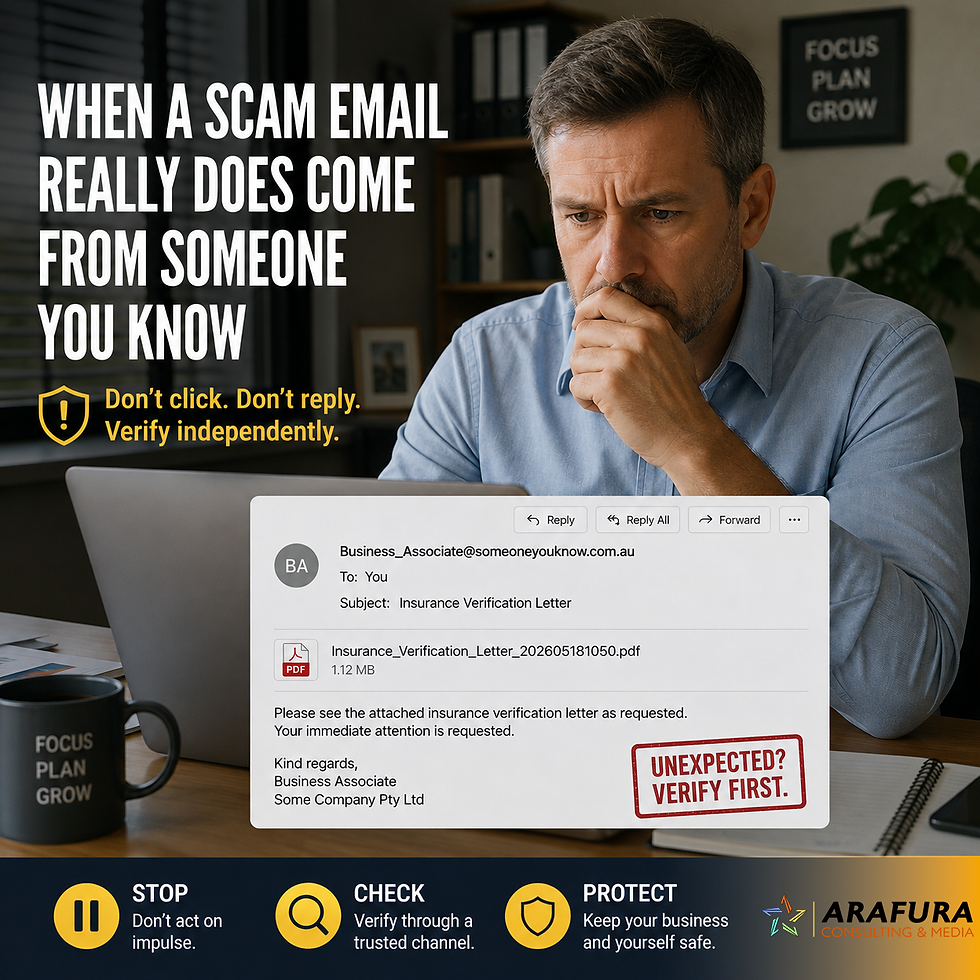
Scams often arrive as emails, text messages, or pop-ups pretending to be from trusted companies. Take a moment before you click. Look for strange email addresses, poor spelling, or unexpected attachments. When in doubt, go directly to the company’s official website or call their verified number instead of using the link provided.
Staying Smart, Secure and Connected
Protecting your digital life doesn’t have to be complicated. By keeping devices updated, locking them properly, using safe connections, and backing up your data, you’re already ahead of most scammers. Every small step helps build stronger protection around your information, so you can stay confident and connected online.
Quick Check
✅ Keep devices updated automatically
✅ Use strong PINs or passwords
✅ Avoid banking on public Wi-Fi
✅ Back up photos and files regularly
✅ Stop and think before you click


Comments