
A Simple Guide to Social Media Safety

Staying Connected Without the Risks
Social media has become one of the easiest ways to stay in touch with family and friends. Whether it’s seeing photos of the grandkids, catching up with old mates, or joining local community groups, platforms like Facebook have made it simple and enjoyable.
But like anything online, social media also comes with safety risks. Scammers, fake accounts, and misleading information are becoming more common. The good news is that with a few simple habits, you can enjoy social media safely and confidently.
Let’s walk through how to do exactly that.
Why Facebook Is So Popular (and Why It’s Targeted)
For many Australians, Facebook is the main social platform. It allows you to:

Share photos and updates
Join community groups
Message friends and family
Follow local news and events
Because it’s so widely used, it’s also a major target for scammers. They know many users trust what they see there — and they take advantage of that.
The Most Common Social Media Risks to Safety
1. Fake Friend Requests
You might receive a request from someone who looks familiar — sometimes even a duplicate of a real friend’s account.
👉 Tip: If you’re unsure, don’t accept. Contact the person directly another way to confirm.
2. Scams Through Messages
Scammers often send messages pretending to be:
A friend in trouble
A company offering prizes
A “bank” asking for details
👉 Rule of thumb: If someone asks for money or personal details, stop immediately.
3. Fake Competitions and Giveaways
Posts that say “You’ve won!” or “Click here to claim your prize” are often traps.
👉 Remember: If it sounds too good to be true, it usually is.
4. Oversharing Personal Information
Posting your:
Address
Phone number
Travel plans
…can put you at risk.
👉 Keep personal details private wherever possible.
How to Stay Safe on Facebook
1. Check Your Privacy Settings
Go into your Facebook settings and:
Set posts to “Friends only”
Limit who can see your profile
Turn off public sharing where possible
2. Use Strong Passwords
Create a password that is:
Long (at least 12 characters)
A mix of letters, numbers, and symbols
Avoid using birthdays or easy-to-guess words.
3. Turn On Two-Factor Authentication
This adds an extra layer of protection. Even if someone gets your password, they can’t access your account without a code sent to your phone.
4. Think Before You Click
Before clicking links:
Check who posted it
Look for unusual wording or spelling
Avoid links sent by strangers
5. Keep Your Device Updated
Updates fix security issues. Make sure your phone, tablet, or computer is running the
latest version.


What About Other Social Media Platforms?
While Facebook is the most common, many seniors also use:
Instagram – Popular for photos and short videos
WhatsApp – Used for messaging and group chats
YouTube – Great for watching videos and tutorials
Each platform has similar risks:
Fake accounts
Scam messages
Misleading content
👉 The same safety rules apply across all of them.
How to Spot a Scam Quickly
Here are a few warning signs:
Urgent language (“Act now!” or “You must respond today”)
Requests for money, gift cards, or bank details
Messages that don’t sound like the person you know
Links that look strange or shortened
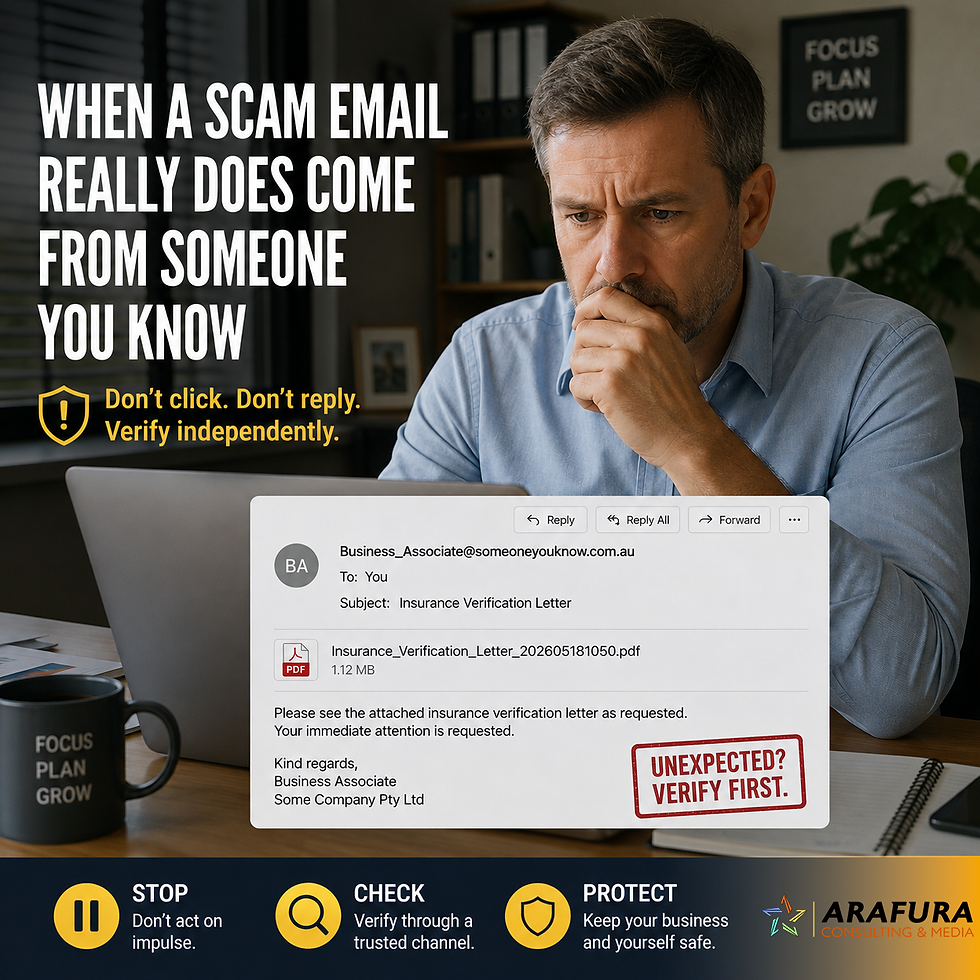
If you see any of these — stop and double-check.
What To Do If Something Feels Wrong
If you think you’ve encountered a scam:
Do not respond
Do not click links
Report the account or message on the platform
Tell a trusted family member or friend
You can also report scams to Scamwatch Australia for further advice.
Final Thoughts: Stay Connected, Stay Smart
Social media is a wonderful way to stay connected — especially for families spread across Australia.
With just a few simple precautions, you can:
Enjoy the benefits
Avoid common traps
Feel confident online
At Arafura Consulting & Media, we believe staying safe online should be simple, practical, and stress-free.
Quick Safety Checklist
✔ Only accept friend requests from people you know
✔ Never send money or personal details through messages
✔ Keep your account private
✔ Use strong passwords and two-factor authentication
✔ Think before clicking any links



Comments